

Feel free to write to us at support@macroscope.com if you have feedback to share or book 15 minutes to tell us about your experience.
Self-Service
- Log in to your Macroscope account
- Navigate to the Billing section
- Click the “Manage Plan” button
- You’ll be redirected to our secure billing portal
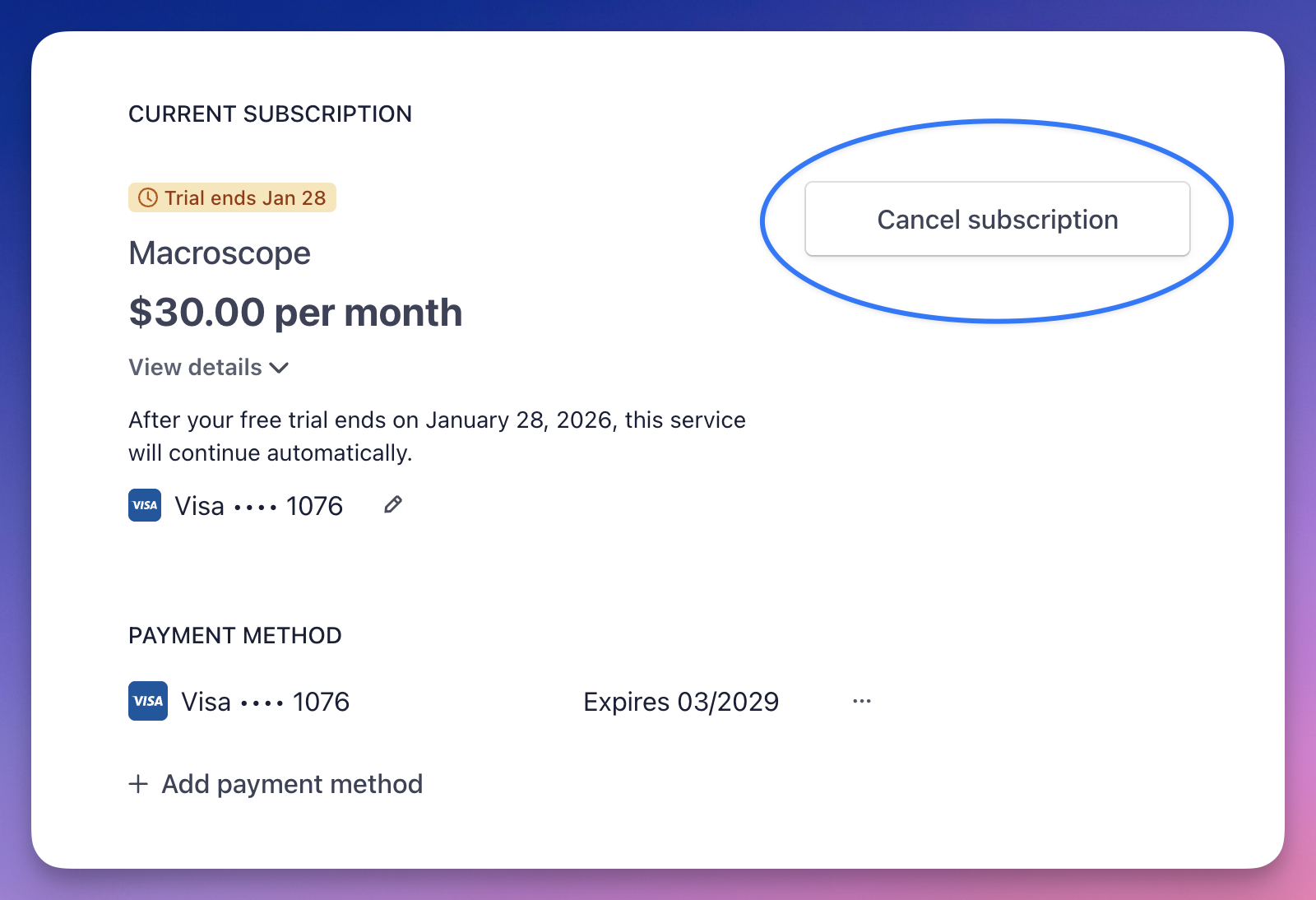
- Click on “Cancel Subscription”
Contact Support
Email support@macroscope.com to request cancellation.Uninstalling the Macroscope GitHub app will also automatically cancel your subscription at the end of the trial or billing period.